Best AI Tools for Beginners: A Practical Guide to Getting Started
Artificial Intelligence (AI) is no longer reserved for experts, engineers, or large corporations. Today, anyone with a smartphone or laptop can start using AI tools to boost productivity, creativity, and efficiency. If you’re just getting started, the sheer number of options can feel overwhelming. That’s why this guide breaks down some of the best AI tools for beginners—simple, accessible, and genuinely useful.
Whether you’re a student, entrepreneur, content creator, or just curious about AI, these tools will help you take your first steps confidently.
Why Start Using AI Tools?
Before diving into specific tools, it’s worth understanding why AI is worth your time. AI can help you:
- Save time on repetitive tasks
- Generate ideas and content quickly
- Improve accuracy in writing and research
- Automate simple workflows
- Learn new skills faster
The key advantage for beginners is that most modern AI tools require little to no technical knowledge.
1. AI Chat Assistants
AI chat assistants are often the easiest entry point into the world of AI. These tools can answer questions, help with writing, explain concepts, and even assist with coding.
What you can do:
- Write essays, emails, or social media posts
- Ask questions and get instant explanations
- Brainstorm ideas for projects
- Translate or summarize text
Why it’s beginner-friendly:
You simply type a question or prompt, and the AI responds. No setup or technical skill required.
2. AI Writing Tools
If you struggle with writing or just want to speed things up, AI writing tools are incredibly helpful. They can generate blog posts, captions, product descriptions, and more.
Popular use cases:
- Blog writing
- Resume building
- Email drafting
- Grammar correction
Key benefit:
They reduce “blank page syndrome” by giving you a starting point instantly.
3. AI Image Generators
These tools turn text descriptions into images. You simply describe what you want, and the AI creates it.
What you can create:
- Social media graphics
- Illustrations
- Logos
- Concept art
Why beginners love it:
You don’t need design skills. Just imagination.
4. AI Video Creation Tools
Video content is more popular than ever, but editing can be time-consuming. AI video tools simplify the process.
Features include:
- Auto subtitles
- Script-to-video conversion
- Voiceovers
- Video summarization
Best for:
Content creators, educators, and marketers who want fast results.
5. AI Note-Taking and Productivity Tools
These tools help you stay organized and efficient by summarizing information and managing tasks.
Common features:
- Meeting transcription
- Automatic summaries
- Task suggestions
- Smart reminders
Why it matters:
They help you focus on what’s important instead of getting lost in details.
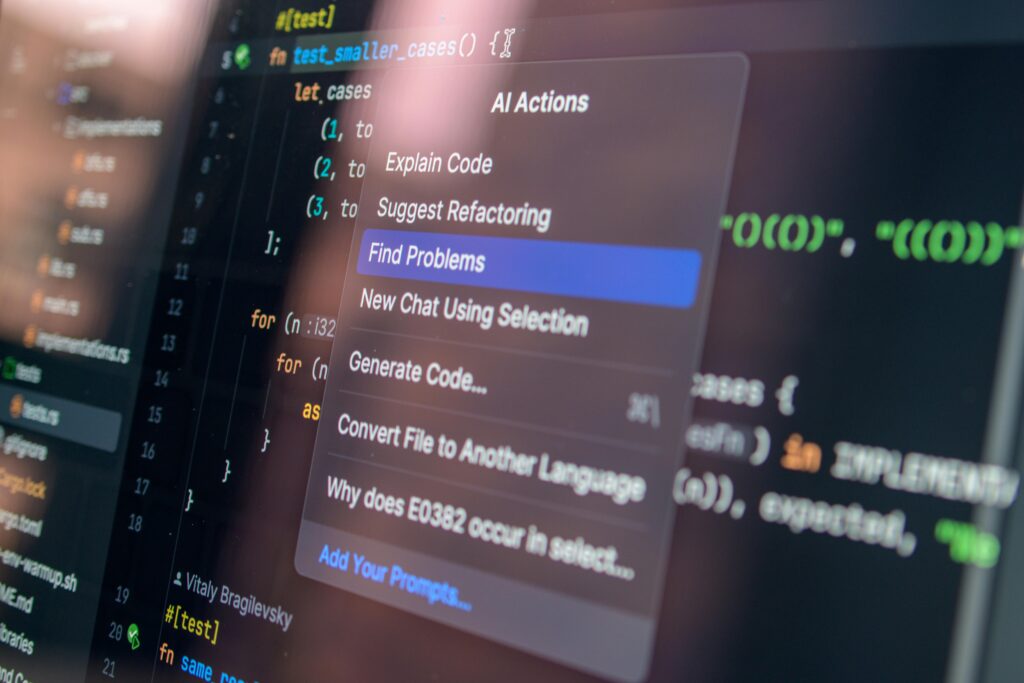
6. AI Coding Assistants
Even if you’re not a programmer, AI coding tools can help you understand basic concepts or build simple projects.
What they can do:
- Suggest code snippets
- Explain programming concepts
- Debug errors
- Generate simple applications
Beginner advantage:
You can learn by doing, with guidance built in.
7. AI Voice and Speech Tools
These tools can convert text to speech or speech to text, making them useful for accessibility and productivity.
Use cases:
- Voice typing
- Audiobook creation
- Podcast narration
- Language learning
Why try them:
They make communication faster and more flexible.
How to Choose the Right AI Tool
With so many options, it’s important to pick tools that match your goals. Ask yourself:
- What problem am I trying to solve?
- Do I need content, design, or productivity help?
- How simple is the interface?
- Is there a free version available?
Start small. You don’t need to use everything at once.
Tips for Beginners
Getting started with AI doesn’t have to be complicated. Here are a few simple tips:
1. Be clear with your prompts
The better your instructions, the better the results.
2. Experiment often
Try different tools and features to see what works best.
3. Don’t rely 100% on AI
Always review and edit outputs to ensure accuracy.
4. Stay curious
AI is evolving quickly—keep learning as you go.
Common Mistakes to Avoid
Many beginners make the same mistakes when starting with AI:
- Expecting perfect results instantly
- Using vague prompts
- Ignoring fact-checking
- Trying too many tools at once
Avoid these, and your experience will be much smoother.
The Future of AI for Beginners
AI is becoming more user-friendly every day. In the near future, we can expect:
- Even simpler interfaces
- More personalized AI assistants
- Better integration with everyday apps
- Increased accessibility for non-technical users
This means there has never been a better time to start.
Final Thoughts
AI tools are not just for experts—they’re for everyone. As a beginner, your goal isn’t to master everything overnight but to explore and find what works best for you.
Start with one or two tools, use them consistently, and gradually expand your toolkit. Over time, you’ll discover how powerful and time-saving AI can be.
Join the Conversation
Have you tried any AI tools yet? Which ones worked best for you—or which ones confused you the most?
Drop your thoughts in the comments below. Your experience might help someone else get started!
If you found this post helpful, don’t forget to share it with friends, colleagues, or anyone curious about AI. You never know who might benefit from it.
And while you’re here, check out our other blog posts for more guides, tips, and insights on technology, productivity, and digital trends.
Let’s keep learning and growing together 🚀